

Help
Learn Solar
Three tutorials walk you through every button of the Convert, Edit and Studio pages, with pictures. Got a question? The FAQ probably has the answer.
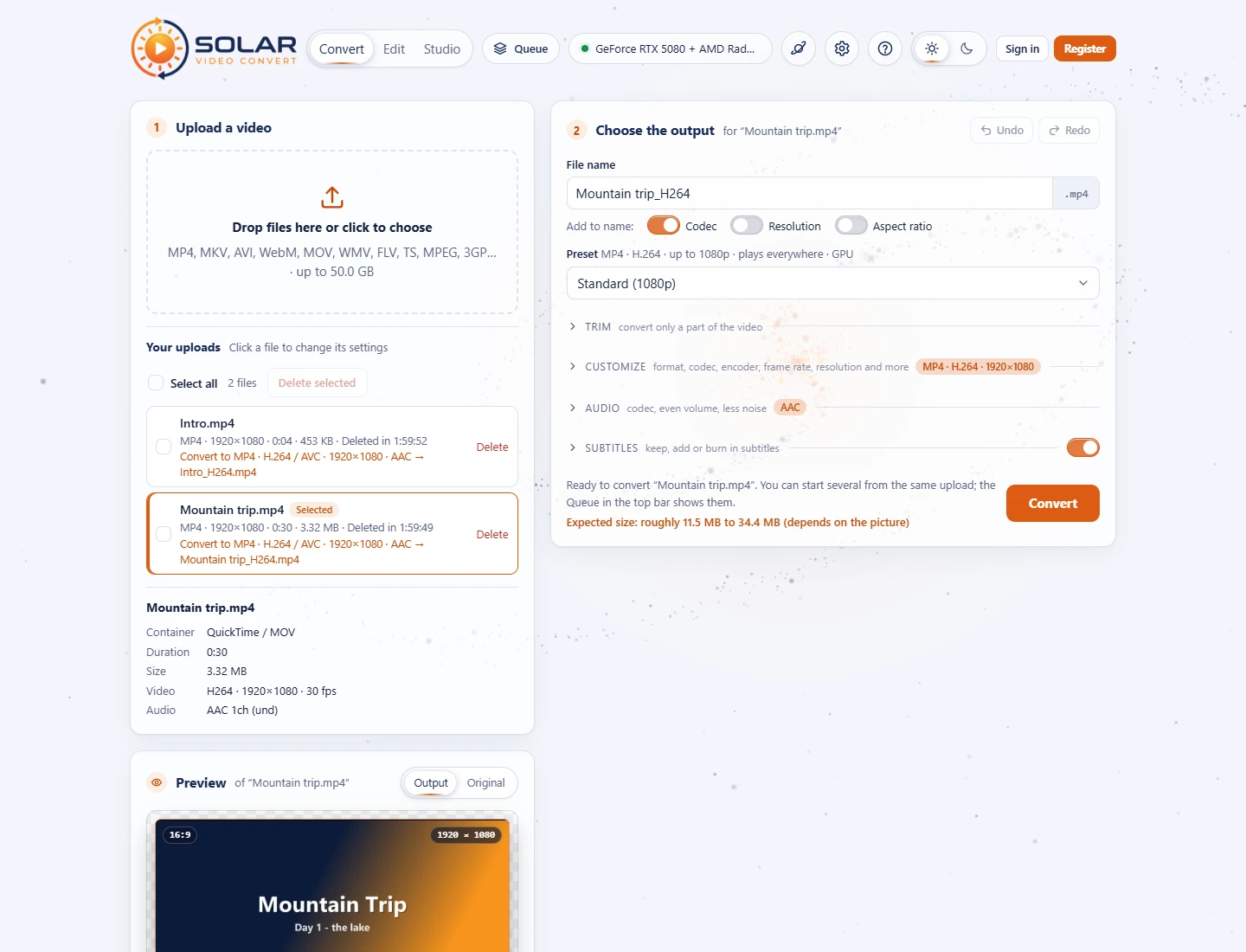 1. Solar Video Convert
The Convert page: upload, presets, trim, format and quality, target size, sound, subtitles, convert several files, download, QR code for your phone.
1. Solar Video Convert
The Convert page: upload, presets, trim, format and quality, target size, sound, subtitles, convert several files, download, QR code for your phone.
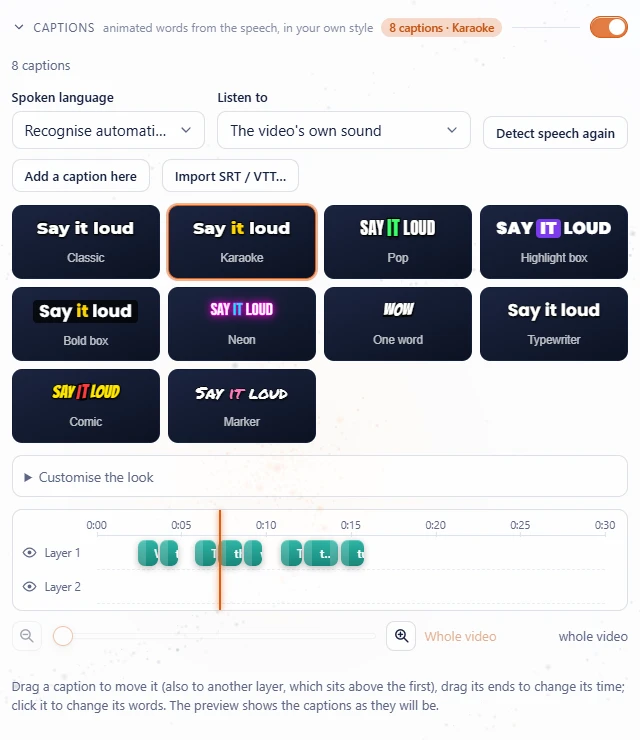 2. Solar Video Edit
The Edit page: rotate and crop, colours, effects, music and sounds, automatic subtitles, animated captions, joining clips.
2. Solar Video Edit
The Edit page: rotate and crop, colours, effects, music and sounds, automatic subtitles, animated captions, joining clips.
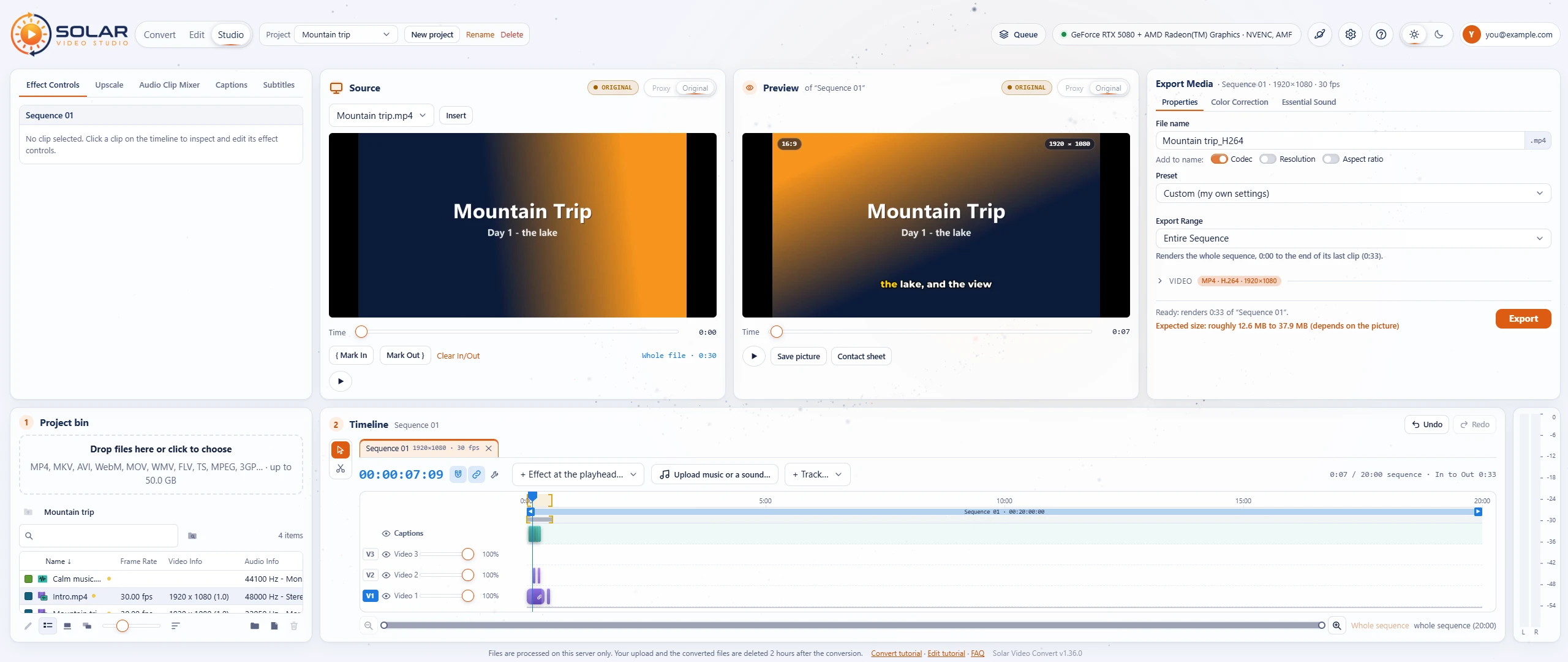 3. Solar Video Studio
The Studio page: projects and the bin, Mark In / Out, the open 20-minute sequence, free clip placement, Effect Controls, the Audio Clip Mixer, the Ultrawide editing workspace, Settings and shortcuts, and Export with the Queue.
3. Solar Video Studio
The Studio page: projects and the bin, Mark In / Out, the open 20-minute sequence, free clip placement, Effect Controls, the Audio Clip Mixer, the Ultrawide editing workspace, Settings and shortcuts, and Export with the Queue.
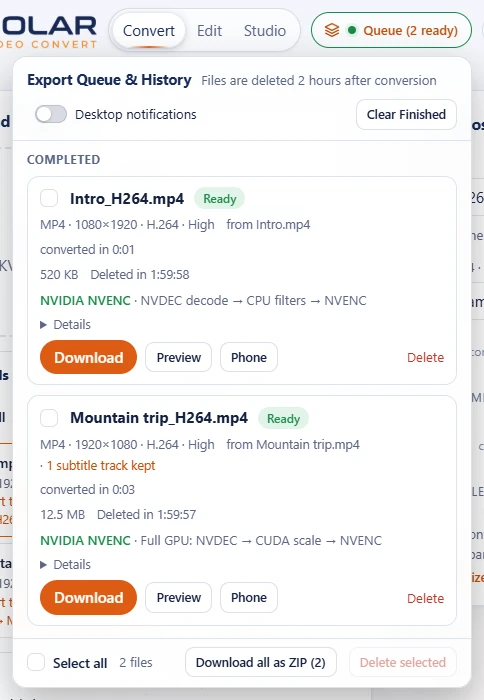 Questions and answers
Which format to pick, making files smaller, the Studio, settings and shortcuts, subtitles, privacy, how long files are kept, fixes for common problems and help for administrators.
Questions and answers
Which format to pick, making files smaller, the Studio, settings and shortcuts, subtitles, privacy, how long files are kept, fixes for common problems and help for administrators.
Convert in four steps
- Upload a video: drop it on step 1.
- Pick a preset in step 2, or keep Standard (1080p).
- Press Convert. The preview shows the result first.
- Download it from the Queue in the top bar, or scan the QR code with your phone.